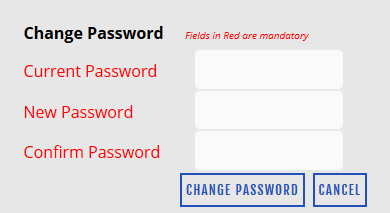
The Change Password screen enables the permit holder to change the login password for accessing the citizen website.
Perform the following steps to change password:
1. In the Old Password box, enter the current password.
2. In the New Password box, enter the new password.
3. In the Confirm Password box, re-enter the new password and click Change Password to change the exiting password.
Copyright 2000-2009 City of Houston Alarm Program